The best time to ask for a Google review is the day the job is finished and the customer is happy. Fill in your details and copy a message that is ready to send.
Nothing you type leaves your browser.
The rules, so a review never costs you
Ask every customer, not just the happy ones. Google's rules do not allow asking only customers you think will leave a good review.
Never offer anything in return. No discount, gift or entry in a draw for a review. Google does not allow it, and paying for reviews can break the Australian Consumer Law.
Never write one yourself, or ask family, friends or staff to review you as if they were customers.
Ask once, remind once. Then leave it.
Reply to every review, good or bad, politely and without the customer's private details.
See Google's own policy on prohibited and restricted content for reviews, and the ACCC's guidance on online reviews, before you change how you ask.
In the dashboard
Every customer in one place
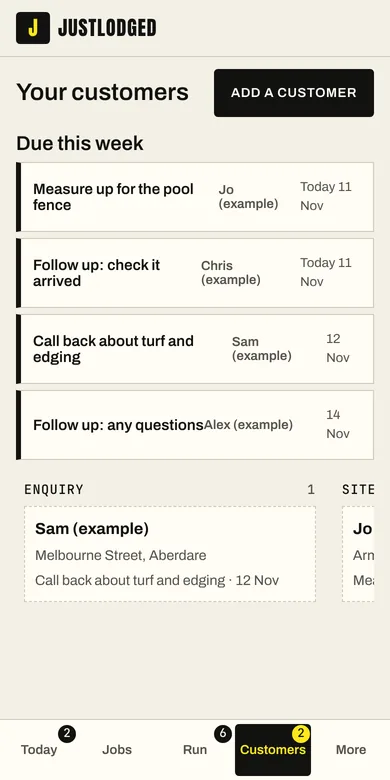
Your customer board keeps every owner who rang off your flyer, from enquiry to won, with call, text and email one tap away. When a job is won, you know exactly who to ask for a review.